
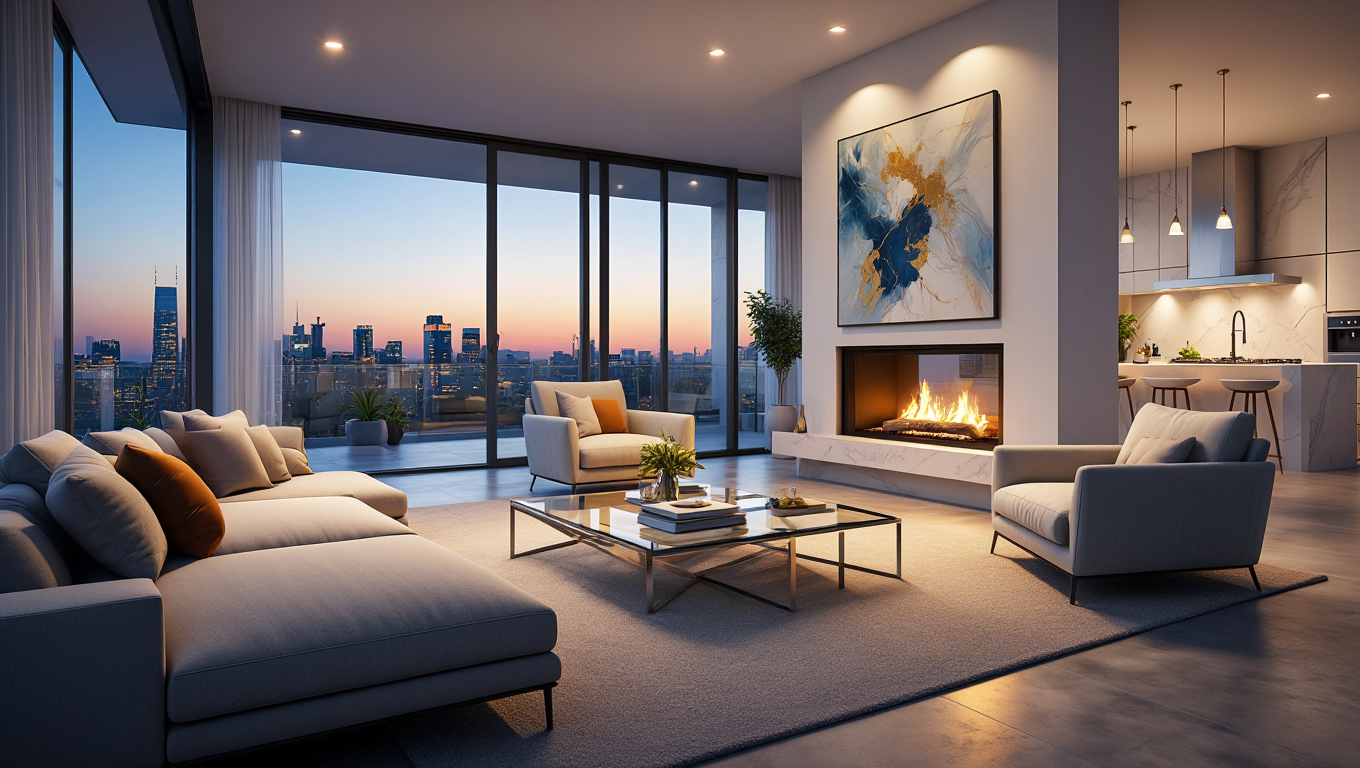
The Agent's Master Guide to Virtual Staging: Selling Homes 73% Faster
In the competitive world of real estate, the first showing doesn't happen at the front door—it happens on a smartphone screen. Statistics from the National Association of Realtors (NAR) consistently show that 82% of buyers' agents said staging a home made it easier for a buyer to visualize the property as a future home. Furthermore, staged homes sell for 1% to 5% more and 73% faster than unstaged properties.
However, physical staging is expensive, with costs often starting at $2,000 per property. RoomEnhance AI's Virtual Staging Studio provides a high-fidelity, instant alternative that costs a fraction of a cent on the dollar. This guide provides real estate professionals with the deep strategic knowledge needed to turn empty listings into high-converting digital assets.
1. The Psychology of the Digital "First Impression"
When a potential buyer scrolls through Zillow or Realtor.com, they are looking for a lifestyle, not just square footage.
- The "Empty Room" Problem: Empty rooms look smaller than they actually are. Without furniture for scale, the human brain struggles to judge depth. Staging provides that critical "mental ruler."
- Style Matching the Demographic: Professional agents use RoomEnhance to match the staging style to the local market.
- Urban Lofts: Choose Industrial or Modern styles.
- Suburban Family Homes: Choose Farmhouse or Contemporary.
- Luxury Estates: Choose Luxury or Traditional aesthetics.
- The "Reveal" Moment: Using the RoomEnhance interactive slider in your listing description allows buyers to see the transformation themselves, creating a memorable emotional connection with the property.
2. Style Consistency: The "Whole House" Workflow
One of the biggest mistakes in virtual staging is staging each room in a vacuum. A property feels "disjointed" if the living room is Industrial but the bedroom is Bohemian.
- The Master Style Lock: Choose one primary style for the entire listing.
- Consistent Color Palettes: Use the custom prompt field to specify a common accent color (e.g., "navy blue accents") across all rooms. This creates a cohesive "visual narrative" as the buyer clicks through the photo gallery.
- Scaling for Coherence: Ensure that if you use a specific type of wood flooring in the hallway, you specify that same material when staging the connected living room.
3. Advanced Techniques for High-Yield Listings
- The "Multi-Purpose" Reveal: For a spare bedroom, generate two versions: one as a Nursery and one as a Home Office. Post both to show the property's versatility.
- Day-to-Night Staging: Use Compose Mode to add warm, glowing lamps and "dim" the natural light. Night-time staging evokes a cozy, "coming home" feeling that can be very powerful for family-oriented properties.
- Correcting Imperfections: Before staging, use the Decluttering Studio to remove any distracting fixtures or dated elements like old radiator covers or damaged flooring. Staging on a "clean slate" always looks more professional.
New Section: Expert Analysis - Legal Compliance and MLS Standards
As AI becomes mainstream, transparency is critical for maintaining professional ethics and avoiding legal issues.
- Watermarking and Disclosures: Most MLS boards require a clear disclosure that photos have been virtually staged. RoomEnhance Pro allows you to automatically append a "Virtually Staged" badge to your exports.
- Structural Integrity: Never use AI to hide structural damage (like cracks in walls) or to misrepresent permanent fixtures (like a view that isn't actually there). RoomEnhance is designed to visualize design potential, not to commit material fraud.
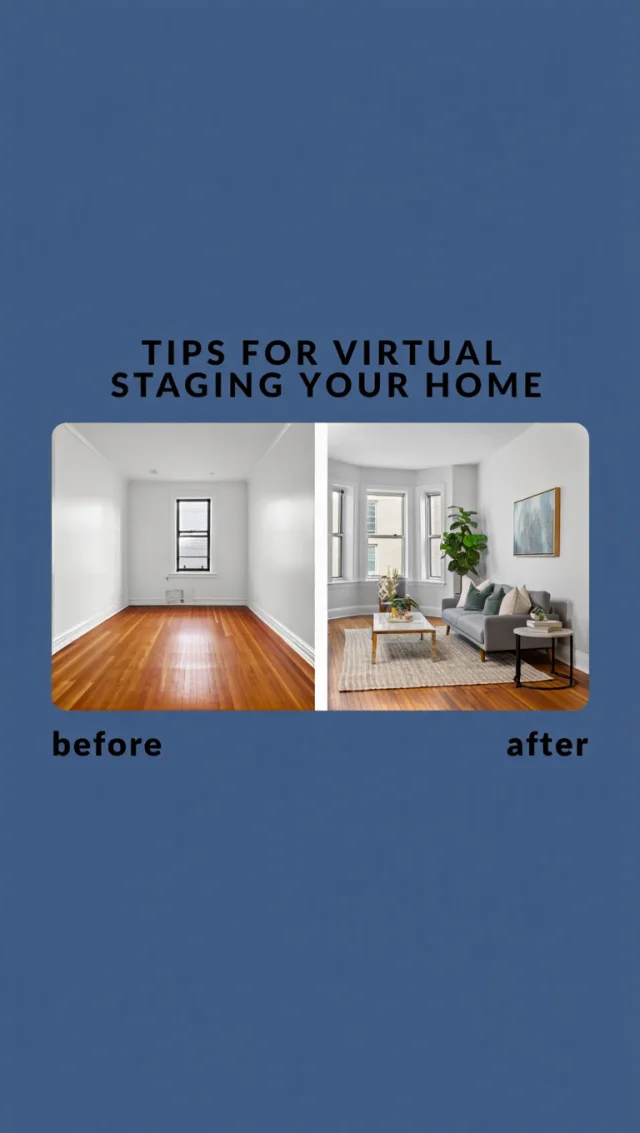
- The "Before & After" Best Practice: We recommend always including the original "vacant" photo in the listing gallery immediately following the staged version. This builds trust with potential buyers by showing you have nothing to hide.
New Section: Case Study - The "Stuck" Property Transformation
A 4-bedroom suburban home in Ohio sat on the market for 60 days with zero offers. The listing photos were well-lit but showed empty, cold rooms.
- The Strategy: The listing agent used RoomEnhance to stage the Living Room, Kitchen, and Master Suite in a "Modern Farmhouse" style.
- The Implementation: Total cost was 6 credits (~$1.80).
- The Sharing: The agent updated the Zillow listing and posted the "Before/After" reveal on the agency's Facebook page.
- The Result: The property received 3 offers within 72 hours and sold for $10,000 above the asking price. The buyer cited the "cozy vibe of the living room" as the reason they booked the first tour.
New Section: The Digital Staging Workflow for Teams
For larger brokerages, scale is key.
- Asset Libraries: Top teams create a "Standard Staging Palette" in RoomEnhance and share the prompts with all their agents. This ensures every listing coming from that office has a consistent, high-end "brand look."
- Bulk Processing: Use our batch upload feature to stage an entire house in one click. The AI identifies the room types automatically, allowing you to prepare a full property folder in under 3 minutes.
New Section: Troubleshooting Staging Realism
If a staged room looks "fake":
- Perspective Check: Ensure the camera was held level. Tilted photos are the #1 cause of perspective errors in AI furniture.
- Furniture Density: Don't over-stage. A room filled with too many objects looks cluttered. Stick to 3-5 high-impact pieces per room.
- Lighting Direction: If the main window is on the left, but the AI puts a shadow on the left of the sofa, it will look wrong. Use the prompt field to specify "Light coming from the left window" to fix this.
Ready to close your next deal? Enter the Virtual Staging Studio and transform your listing now!
Topics covered in this article:
Your weekly interior design & AI brief.
Room inspiration, design tips, and the AI tools transforming how spaces get styled. Free, every week.
Read this week's issueRelated Articles
The Ultimate Guide: Managing Your RoomEnhance Account and Subscription
Master your RoomEnhance account. Learn how to manage subscriptions, optimize billing cycles, and secure your personal design data with professional account management techniques.
AI Home Staging for Real Estate Agents: A Complete Guide
Staged properties sell 73% faster. AI home staging gives agents the same result without the $15,000-$50,000 annual cost of physical staging.

AI Virtual Staging: The Complete Real Estate Marketing Revolution | Professional Property Presentation Guide – Increase Sales Speed by 73%, Boost Values by 10% with Intelligent Staging Technology | Transform Real Estate Marketing with AI-Powered Virtual Staging Solutions
Transform your real estate marketing with AI-powered virtual staging. Learn how intelligent property presentation increases sales speed by 73% and boosts property values by up to 10%.
Ready to Transform Your Space?
See how your room would look with a completely new design. Our AI can help you visualize different styles in minutes.