
Keep the source
Original listing photos stay separate from generated edits and approved versions.
RoomEnhance for professionals
Keep listing photos, visual direction, client decisions, and downloads together.
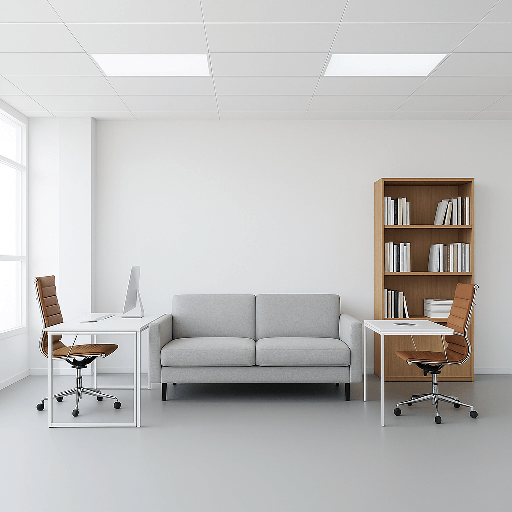
The workflow keeps uploaded originals, decisions, and final files together instead of treating each image as an isolated generation.
Original listing photos stay separate from generated edits and approved versions.
Email a private review link and keep each approval attached to the selected version.
Build paired original and approved media packages with disclosure evidence.
Every path starts with what RoomEnhance supports now and separates self-service tools from custom partnership work.
Property media, client review, and final listing packages.
View solutionOriginal-photo retention, version review, and client-ready delivery.
View solutionVisual directions, project organization, and controlled sharing.
View solutionProperty media workflows with clear limits and client review.
View solutionMeasured visualization pilots with explicit accuracy limits.
View solutionHuman approval stays in the loop, and every proposed change remains connected to the uploaded original.
Add a property label, market context, and the room images that belong together.
Define allowed changes, protected details, room labels, and the plan estimate.
Approve, comment, or request a revision without replacing the original source file.
Export approved pairs and the evidence needed to disclose altered listing media.
Start with one real listing or project, evaluate the result with your team, and expand from there.